Description
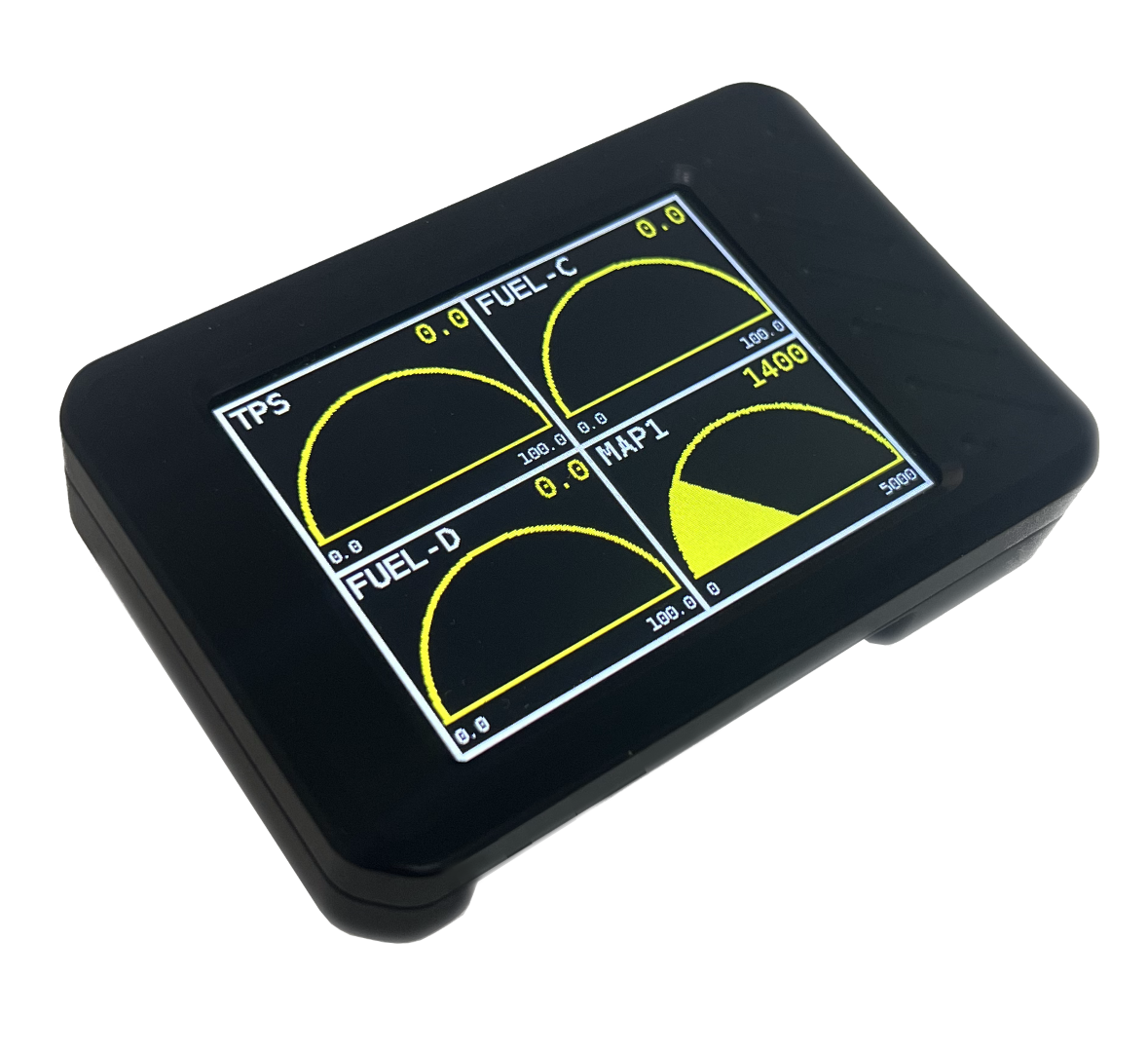
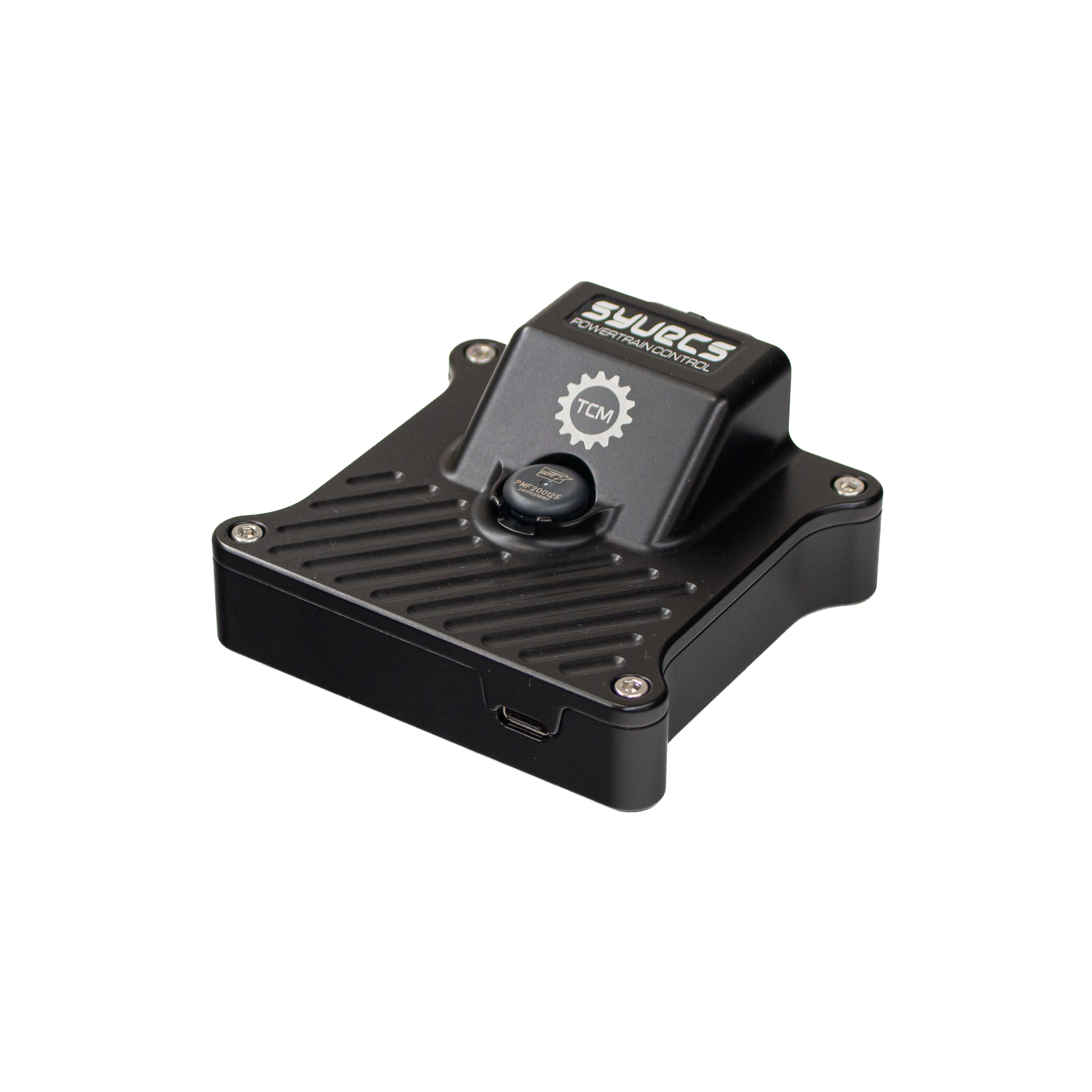
Syvecs SyvTCM – DQ500 Non-MQB DSG Control
Standalone DQ500 Control for the PQ35 Platform
The Syvecs SyvTCM provides standalone integration of selected Volkswagen Audi Group DQ500 seven-speed dual-clutch transmissions using the non-MQB / PQ35 control system.
Designed for engine conversions, motorsport vehicles, restomods and custom installations, the SyvTCM allows a compatible DQ500 transmission to operate outside its original vehicle.
The system communicates with the original gearbox controller and supplies the engine, driver and vehicle information needed for standalone operation, while retaining the original mechatronic, hydraulic and clutch-control systems.
The SyvTCM can integrate with a Syvecs ECU, a compatible aftermarket or OEM engine controller, or an installation using configured physical inputs. The engine interface must support the torque coordination required by the transmission.
Supported DQ500 Non-MQB Transmissions
This control package is intended for selected DQ500 non-MQB / PQ35 gearbox controllers. The installation guide covers the DQ500 0BH / 0BT transmission families.
Compatibility must be confirmed using the complete gearbox identification, TCM hardware and software part numbers, and installed calibration. A transmission-family designation, donor vehicle, production year or gearbox casing alone does not confirm compatibility.
Select DQ500 Non-MQB in the SyvTCM configuration and use the matching firmware, SCal profile and base calibration.
Compatibility: DQ500 Non-MQB and DQ500 MQB use different control protocols. The MQB gearbox examples and part numbers do not establish support for this package. Confirm the complete gearbox and controller details with Syvecs before purchasing a transmission.
A Standalone DSG Integration Solution
In its original installation, the DQ500 relies on communications from other vehicle modules. The SyvTCM supplies the required external information so a supported gearbox can be integrated without the complete donor-vehicle electronics package.
Available functions include:
- Park, Reverse, Neutral and Drive requests with compatible selector arrangements
- Drive, Sport and Manual range requests where supported by the controller and shifter
- Paddle shifting and configurable range interlocks
- Engine torque reporting and gearbox torque-reduction requests
- Automatic paddle-up requests in Manual mode
- Configurable reverse-light output
- Transmission DTC reading and clearing on supported UDS controllers
- Clutch-pressure polling on supported controllers
- Live monitoring and data logging
Park engagement remains dependent on the gearbox’s mechanical Park arrangement. An electronic Park request does not replace the required cable, linkage or mechanism.
Flexible Engine and Vehicle Integration
When used with a compatible Syvecs ECU configuration, engine and vehicle information can be exchanged over CAN. Other engine controllers can be integrated using a supported protocol or configurable Generic CAN Receive and Transmit functions.
Physical inputs can supply suitable engine and vehicle signals where CAN information is unavailable.
Engine-speed sources include:
- A supported Syvecs, aftermarket or OEM engine-CAN interface
- Configured Generic CAN data
- A compatible, correctly conditioned engine-speed pulse input
Vehicle speed can use a configured CAN source, wheel-speed input or another supported external source. The non-MQB driver uses this configured road speed to generate the four wheel-speed values sent to the gearbox controller.
Where the engine ECU does not provide a torque model, internal tables can calculate torque using engine speed and the selected load source, with a separate pedal-based driver-demand table.
OEM Vehicle Communications
The dedicated non-MQB software supplies the engine, wheel-speed, brake, selector and vehicle-dynamics information required by supported DQ500 controllers.
Configurable dashboard-coding presets help match the required installation. A preset name identifies a communications configuration; it does not certify every gearbox from that vehicle.
The original gearbox controller continues to manage the internal gear-selection, hydraulic and clutch functions.
Multiple Shifter Options
The SyvTCM supports a range of OEM and motorsport-style selector arrangements. Compatibility depends on the exact selector version, wiring and configuration.
OEM Electronic Shifters
Documented options include:
- A compatible original VAG selector on the gearbox network
- Supported VAG 2008–2015 selectors using SyvTCM translation
- BMW F Series Auto shifter
- BMW F Series DCT shifter
- Supported Dodge electronic shifter
- Toyota Supra A90 shifter
- Supported JLR Defender SW2.5 selector variants
Range selection, Manual operation, Sport selection and Park gestures depend on the selected shifter. Follow the corresponding installation-guide instructions.
CAN Keypads
Supported Generic and Grayhill / MoTeC keypad configurations can provide range-selection buttons and Manual or Sport requests where configured. Use the matching keypad protocol, address and button layout.
Paddle and Brake Range Control
A paddle-controlled configuration can use two paddles and a brake input for range selection:
- Paddle Up with the brake applied requests a forward range
- Paddle Down with the brake applied at low speed can request Reverse
- Both paddles together request Neutral
- A configured Manual/Auto input selects the forward operating mode
Range requests are subject to the configured brake and speed interlocks. For direct driver access to Park, provide a suitable selector or keypad and retain the required mechanical Park control.
Drive, Sport and Manual Operation
The SyvTCM supplies the external signals needed for the original DQ500 controller to manage automatic shifts. Supported shifters can request Drive, Sport and Manual operation according to the installed controller and configuration.
In Manual operation, gear changes can be requested through the supported selector or paddles. The gearbox controller determines whether to accept each request.
Sport behaviour and automatic shift characteristics remain dependent on the gearbox’s own software and calibration.
Torque-Based DSG Integration
Accurate engine torque information is essential to coordinated clutch control and gear changes. The SyvTCM supports:
- Actual delivered engine torque
- Potential engine torque before reduction
- Driver-demanded torque
- Estimated engine friction torque
- Gearbox torque-limit requests
- Configurable engine-interface torque-limit scaling
- Internal torque tables where required
During a shift, the gearbox can request a reduction in engine torque. The configured engine interface passes this request to a compatible ECU, which must carry out the required torque reduction using its available control strategies.
Correct integration requires checking the requested reduction against the engine’s actual response.
DQ500 Torque Encoding
Dedicated DQ500 Non-MQB MDNORM and DQ500 Non-MQB CDMA Enable settings allow the transmitted torque representation to be matched to the installed TCM calibration.
Engine torque values and internal tables remain in physical Nm. The SyvTCM applies the configured encoding when transmitting to the gearbox. These settings do not increase the transmission’s mechanical torque capacity or reprogram its internal limiters.
Automatic Paddle-Up Control
The SyvTCM includes a configurable shift-indicator strategy that can also generate a virtual Paddle Up request when the gearbox reports Manual or Manual Sport.
Activation can account for:
- Target gear
- Engine speed
- Filtered engine RPM rate of change
- Minimum vehicle speed
- Minimum throttle position
- RPM hysteresis
- Shift-request timeout and rearm conditions
Gear-based RPM targets and rate-of-change compensation allow an earlier request when engine speed is rising quickly. No physical shift-light output is required for the automatic request.
The gearbox decides whether to accept the upshift. Retain independent engine over-speed protection and confirm completed shifts during calibration.
Vehicle Speed and Acceleration Inputs
The DQ500 non-MQB driver can transmit configured longitudinal and lateral acceleration inputs. These can come from a compatible, configured vehicle-dynamics source such as a GPS/IMU interface.
Alternatively, longitudinal acceleration can be calculated from changes in the configured vehicle speed using Calculate LongG from Delta Speed. Lateral acceleration requires its own configured input.
A separate vehicle-speed output correction adjusts the road-speed information sent to the gearbox without changing the measured speed used elsewhere in the SyvTCM.
Diagnostics and Gearbox Monitoring
Syvecs SCal provides access to available gearbox feedback and configured engine, shifter and vehicle inputs.
Functions and monitoring channels include:
- Read and clear transmission DTCs on supported UDS controllers
- Reported gearbox range and current gear
- Requested range and target gear where available
- Shift and blip-state indications
- Gearbox engine-torque limits
- Actual, potential and demanded engine-torque channels
- Clutch 1 and Clutch 2 pressure where supported
- Shifter, keypad, paddle and brake inputs
- Configured vehicle speed and acceleration channels
Launch-related and limp indications are available for monitoring, but are not a complete transmission fault classifier or a guaranteed engine-protection strategy.
The current non-MQB implementation does not provide verified gearbox oil-temperature or input/output shaft-speed measurements. Use an external diagnostic tool for those measurements.
Basic Settings and Clutch Adaptation
Gearbox basic settings and clutch adaptation require a compatible external diagnostic tool and the procedure for the identified controller. The SyvTCM DTC read/clear functions do not perform clutch adaptation.
Clutch-Pressure Logging
The SyvTCM can request Clutch 1 and Clutch 2 pressure from supported DQ500 controllers when TCM Logging Enable is enabled.
Available pressure measurements can be viewed and recorded alongside gear, shift state, engine speed and torque channels to help investigate clutch behaviour and shift quality.
Diagnostic support, clutch identity and pressure scaling must be confirmed on the installed controller. A zero reading can indicate disabled polling or stale data as well as low pressure.
Disable SyvTCM diagnostic polling and DTC operations before using an external diagnostic tool.
Configurable Data Logging
The SyvTCM supports monitoring-parameter recording through SCal on a connected laptop or to a compatible USB memory stick.
Configurable channel groups, recording rates and start/stop conditions let installers capture the information needed to assess the installation.
Available recording channels include:
- Actual and target gear, reported range and available range requests
- Shift state and blip-state indications
- Supported clutch-pressure measurements
- Engine speed, throttle and pedal position
- Actual, potential and demanded engine torque
- Gearbox torque-limit requests
- Paddle, shifter and brake inputs
- Configured vehicle speed and acceleration inputs
- Automatic-upshift monitoring channels
- Available engine and vehicle data received over CAN
Recorded data can be analysed in Syvecs SView. USB memory-stick recordings are converted using SCal’s Demux Logging File function before opening in SView.
Key Features
- Standalone integration of selected DQ500 non-MQB / PQ35 controllers
- Seven-speed wet-clutch dual-clutch transmission support
- Integration with compatible Syvecs, aftermarket and OEM engine controllers
- Dedicated non-MQB vehicle communications
- Configurable Generic CAN Receive and Transmit
- Physical inputs for suitable non-CAN signals
- Internal engine-torque modelling
- Dedicated DQ500 MDNORM and CDMA settings
- Supported VAG and alternative OEM shifter options
- Generic and Grayhill / MoTeC CAN keypad options
- Paddle and brake range control
- Drive, Sport and Manual requests where supported
- Gearbox torque-reduction request integration
- Automatic paddle-up control with gear-based RPM targets
- RPM rate-of-change compensation
- Configurable reverse-light and shift-light outputs
- DTC reading and clearing on supported UDS controllers
- Clutch-pressure polling on supported controllers
- Configured acceleration inputs or speed-derived longitudinal acceleration
- Live SCal monitoring and laptop or USB memory-stick logging
Integrate the DQ500 into Your Next Conversion
The DQ500’s seven-speed wet-clutch design makes it an option for performance conversions and custom vehicle projects.
The Syvecs SyvTCM provides the communications, torque information and driver interfaces needed to integrate a supported non-MQB / PQ35 controller while retaining the gearbox’s original internal control systems.
Choose the correct gearbox and controller, configure the engine and vehicle interfaces, and commission the installation using the matching non-MQB guide and calibration.
For transmission compatibility, licence enquiries or assistance selecting the correct gearbox hardware, contact an authorised Syvecs dealer or email support@syvecs.com.