Description
OBD-II Adaptor Support
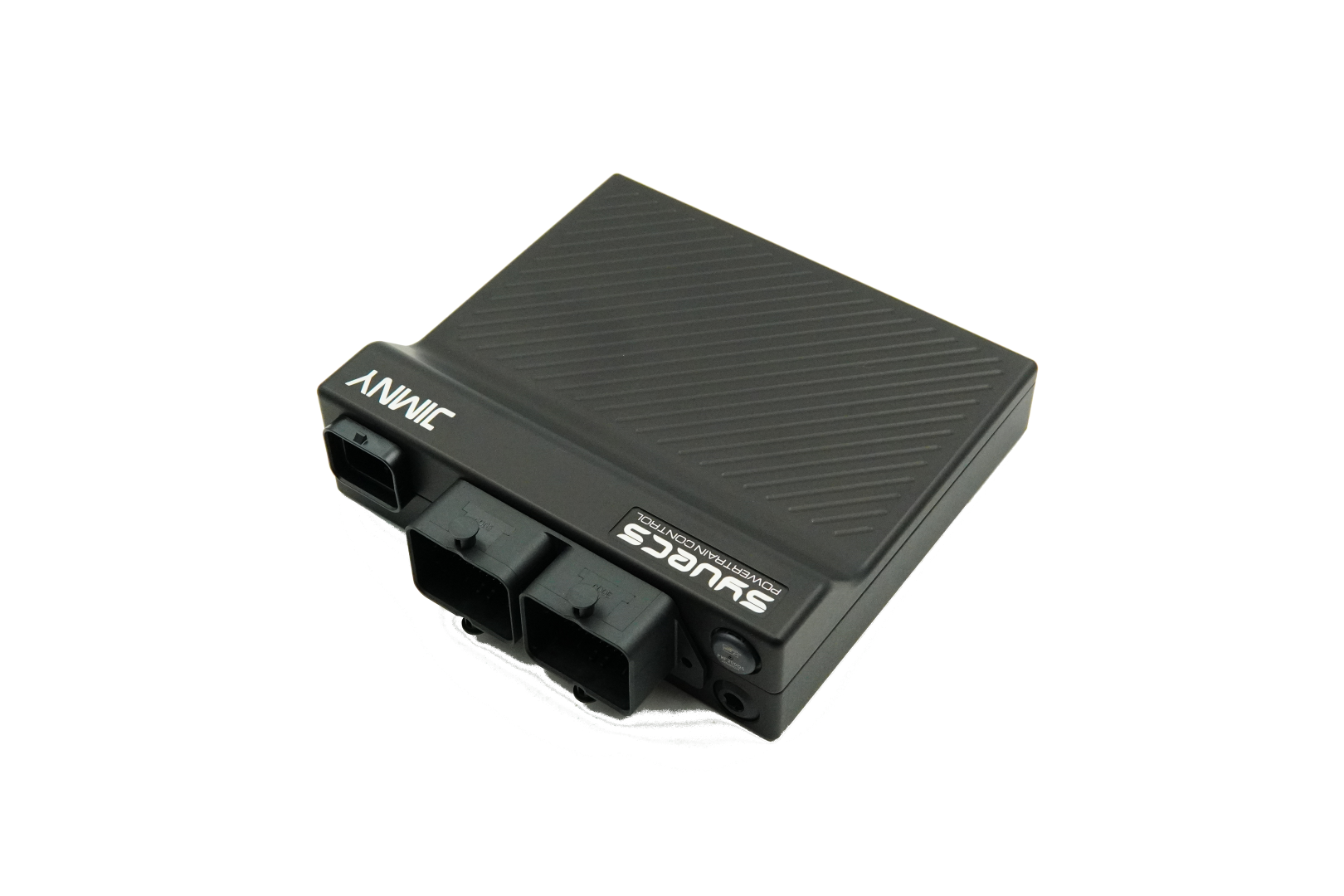
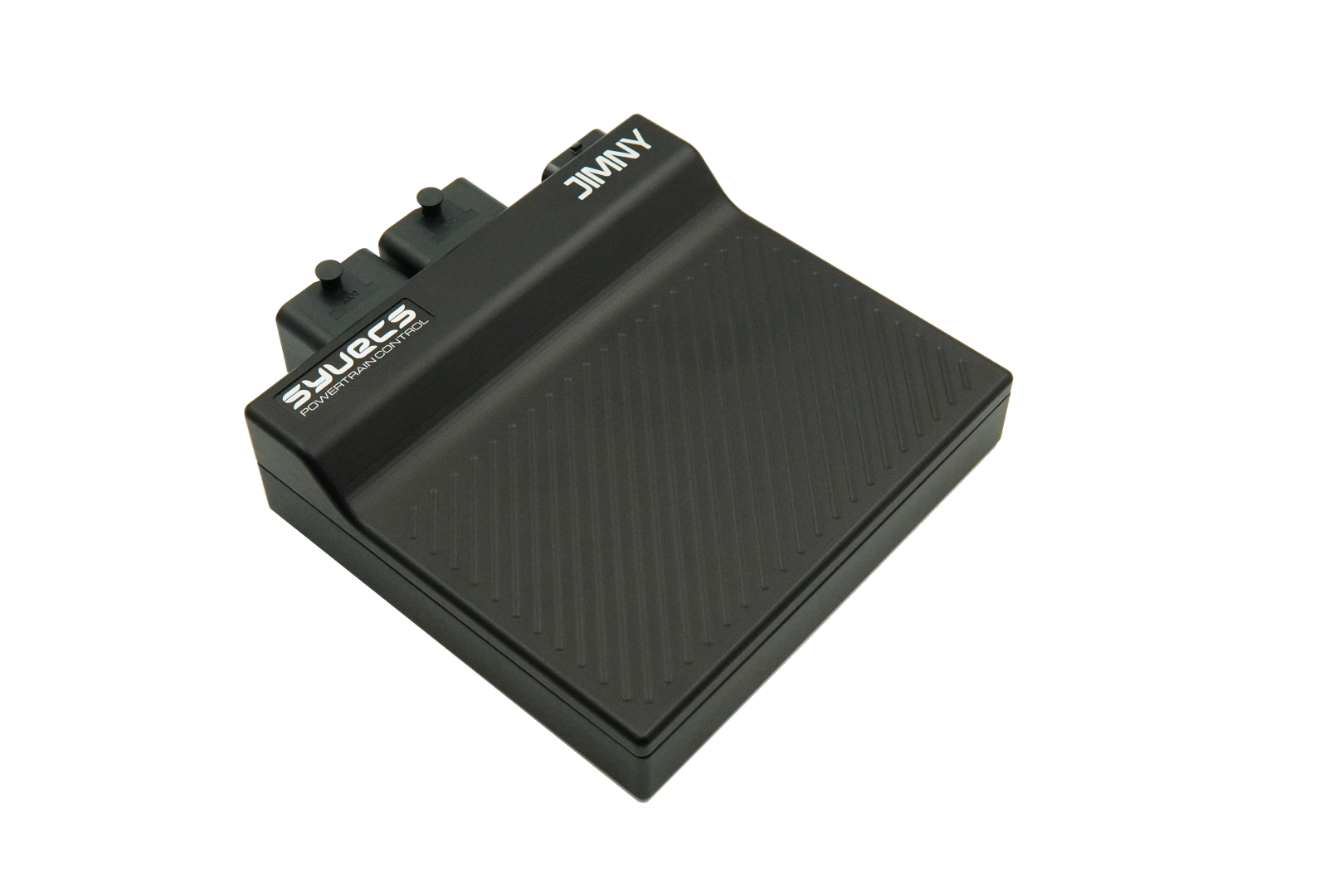
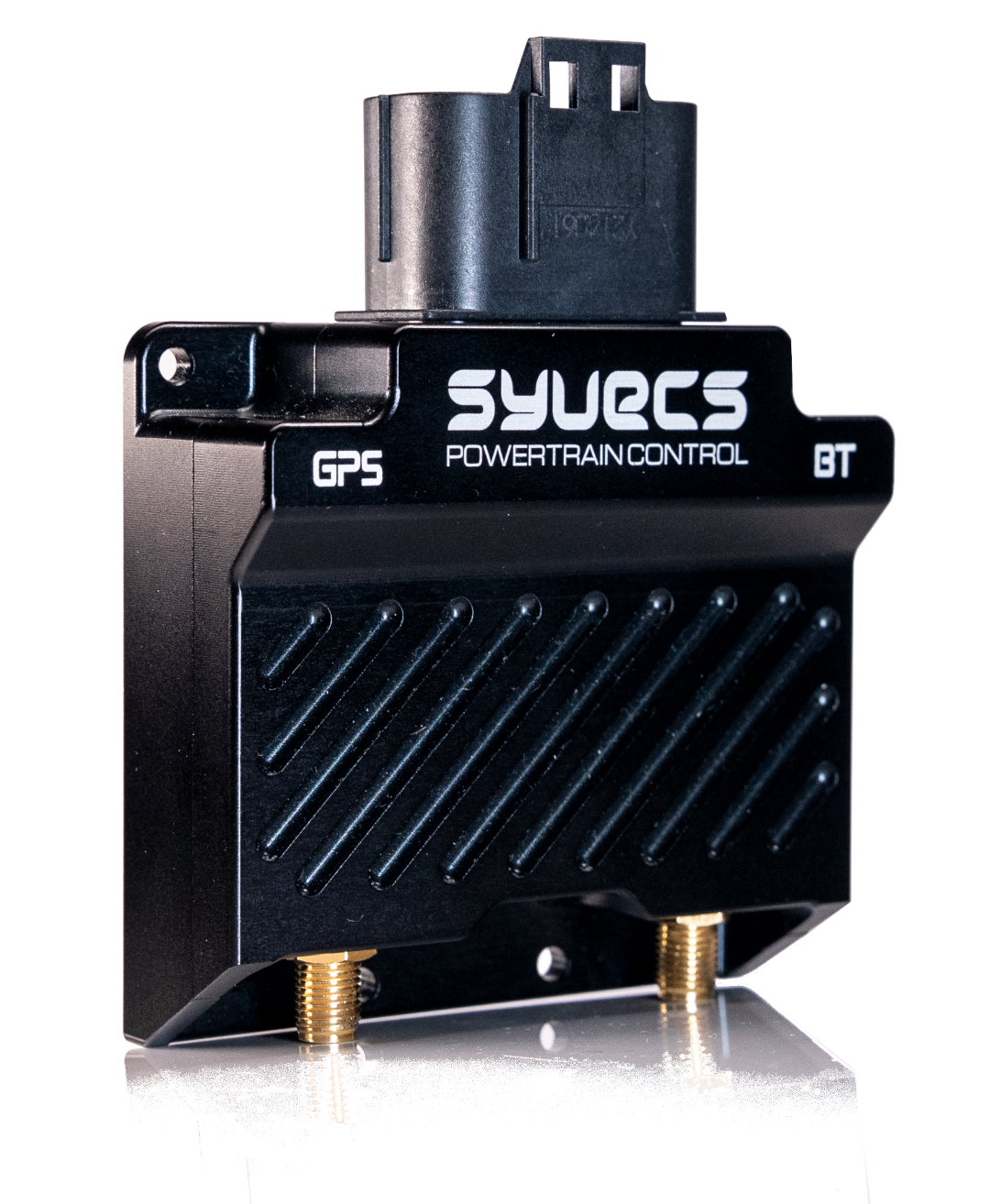
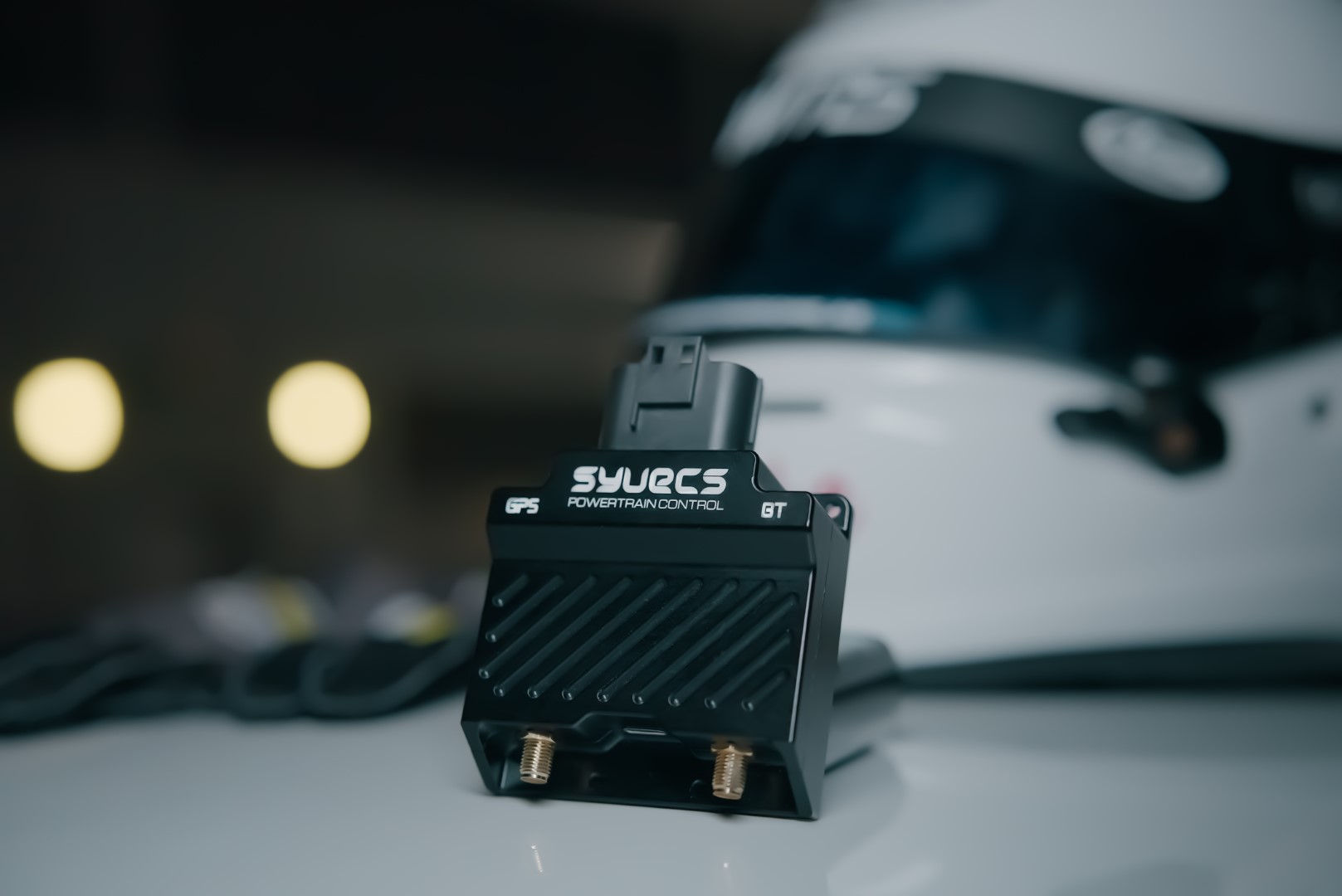
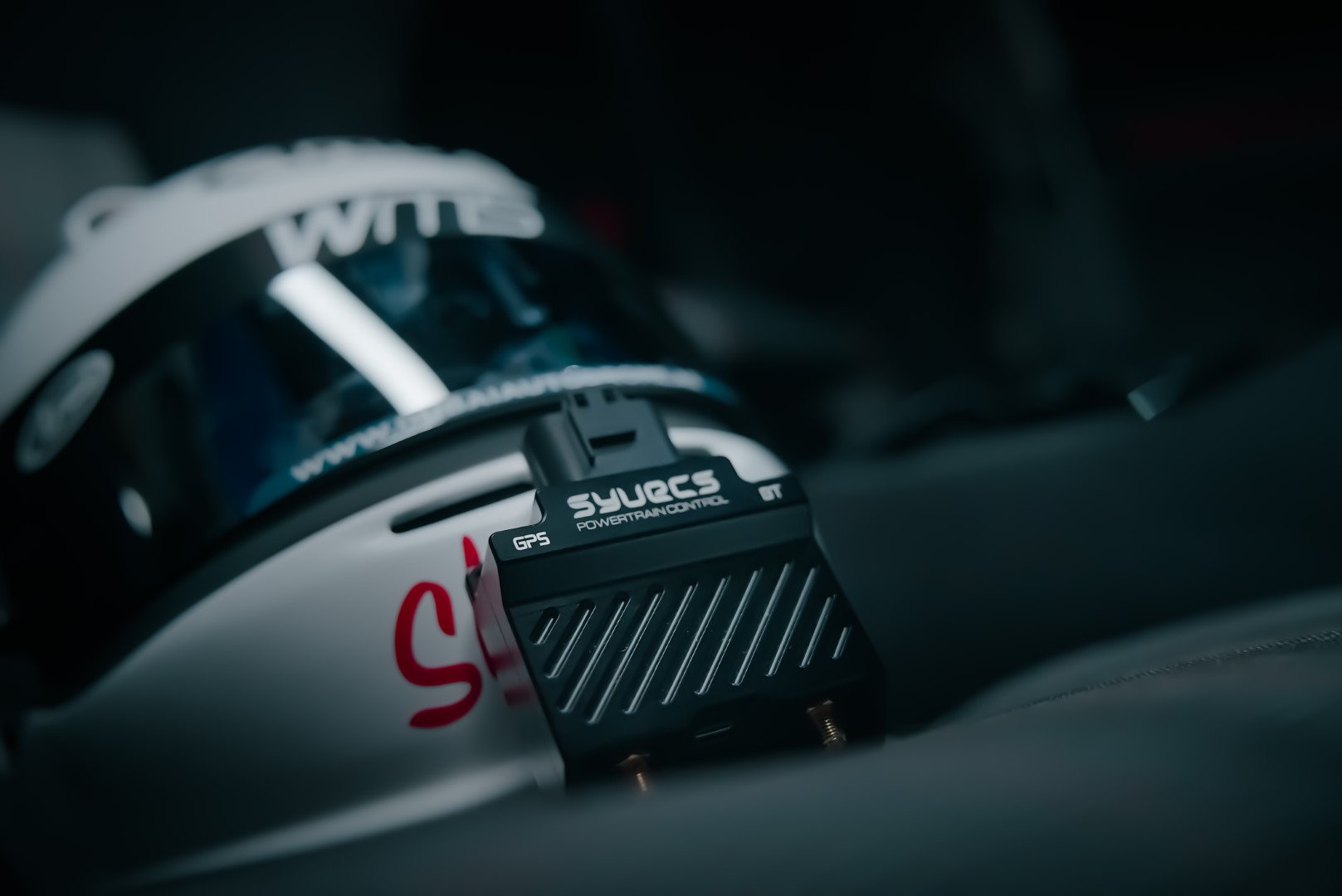
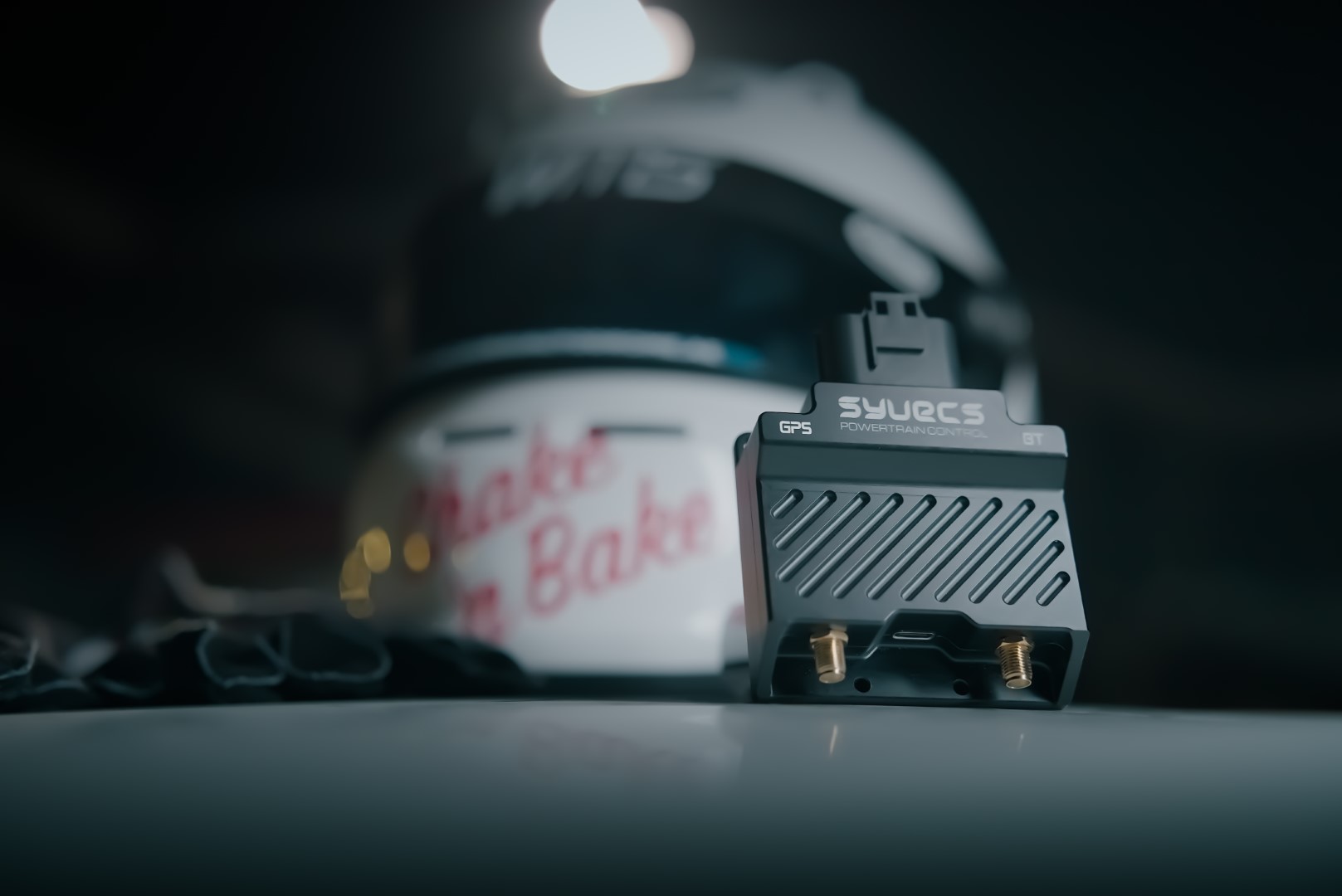
Syvecs OBD-II Adaptors provide a simple plug-and-play connection between the GPSBT and supported OEM engine management systems through the vehicle’s OBD-II diagnostic port.
When used with the Syvecs Dash App, supported OEM ECU channels can be viewed live, datalogged and combined with GPS and IMU data.
This allows engine and vehicle information to be used alongside features including:
- Live configurable dashboards
- Data logging
- Track mapping
- Lap and sector timing
- Performance measurements
- GPS and IMU data
- Live camera data overlays
OEM ECU Data Directly in Syvecs Dash
Simply connect the GPSBT to the vehicle using the appropriate Syvecs OBD-II Adaptor and the module can access supported data made available by the factory ECU.
This provides an easy way to add advanced telemetry and logging to an OEM vehicle without requiring an aftermarket ECU or complex CAN-bus configuration.
Available OBD-II Data
The information available depends on the vehicle manufacturer, model and ECU, but supported channels may include:
Engine & Vehicle
- Engine RPM
- Vehicle speed
- Calculated engine load
- Engine running time
- ECU supply voltage
Temperatures
- Coolant temperature
- Intake air temperature
- Engine oil temperature
- Ambient temperature
Air & Pressure
- Manifold absolute pressure
- Barometric pressure
- Mass airflow
- Fuel pressure
- Fuel rail pressure
Throttle & Driver Demand
- Throttle position
- Accelerator pedal position
- Requested engine torque percentage
- Actual engine torque percentage
- Reference engine torque
Fuel & Lambda
- Short-term fuel trim — Bank 1
- Long-term fuel trim — Bank 1
- Short-term fuel trim — Bank 2
- Long-term fuel trim — Bank 2
- Oxygen sensor readings
- Wideband lambda / equivalence ratio
- Commanded equivalence ratio
- Fuel level
- Fuel consumption rate
- Ethanol percentage
Ignition
- Ignition timing advance
Live Monitoring
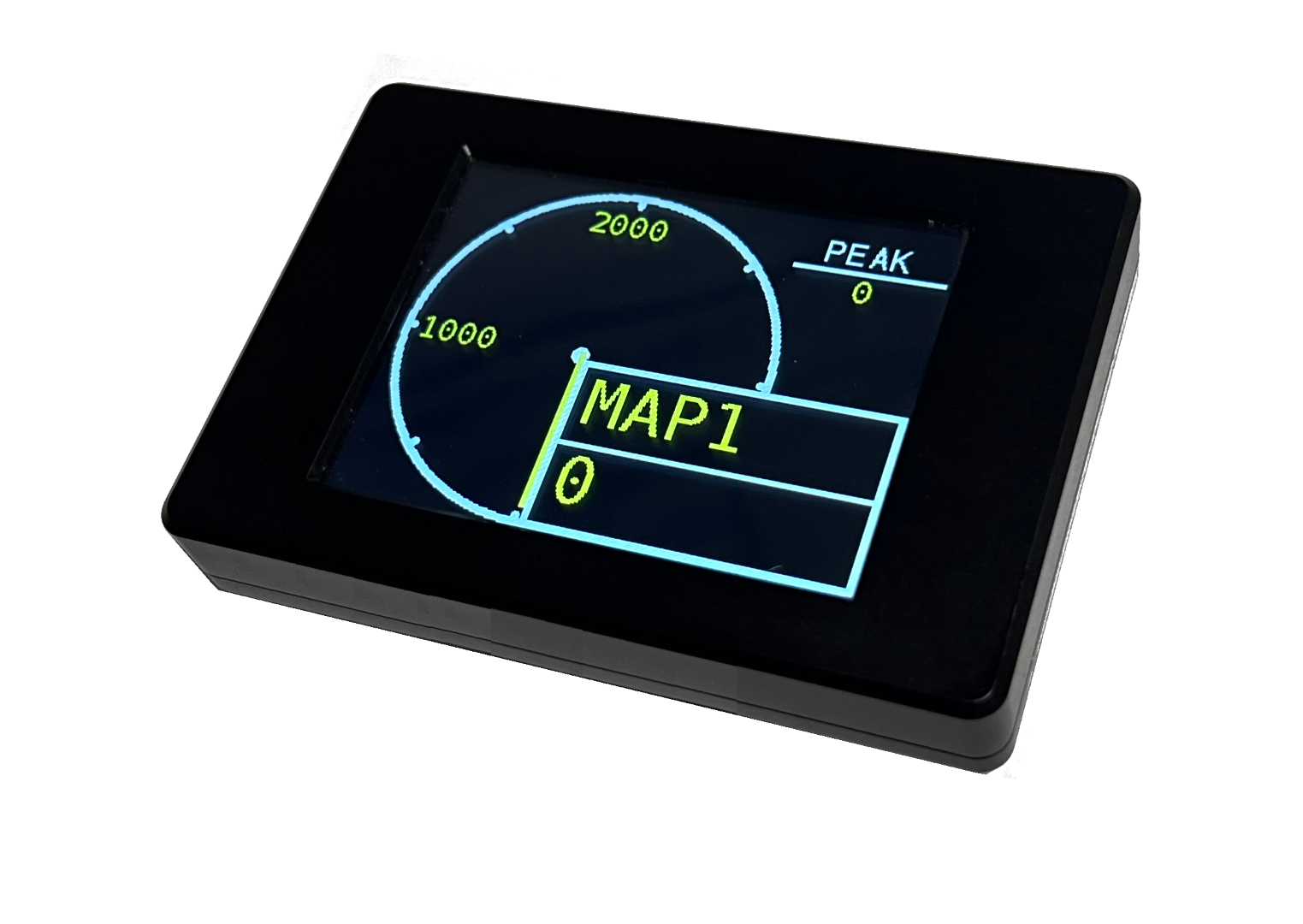
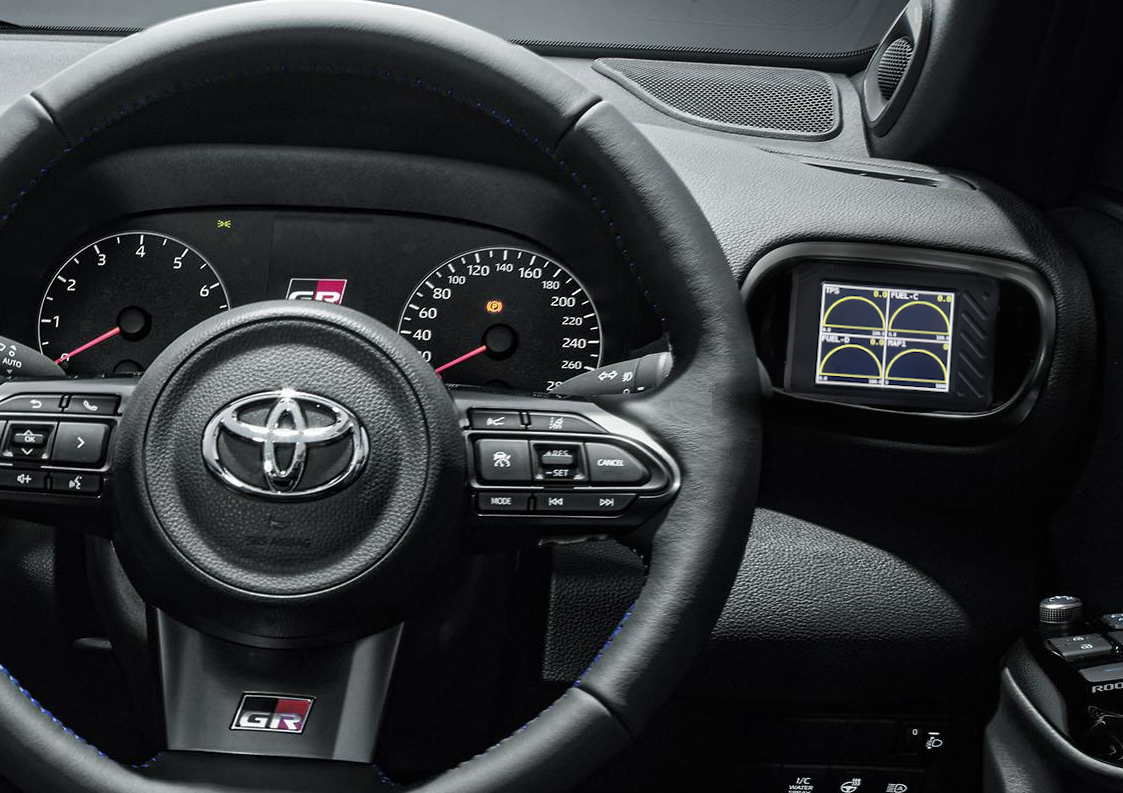
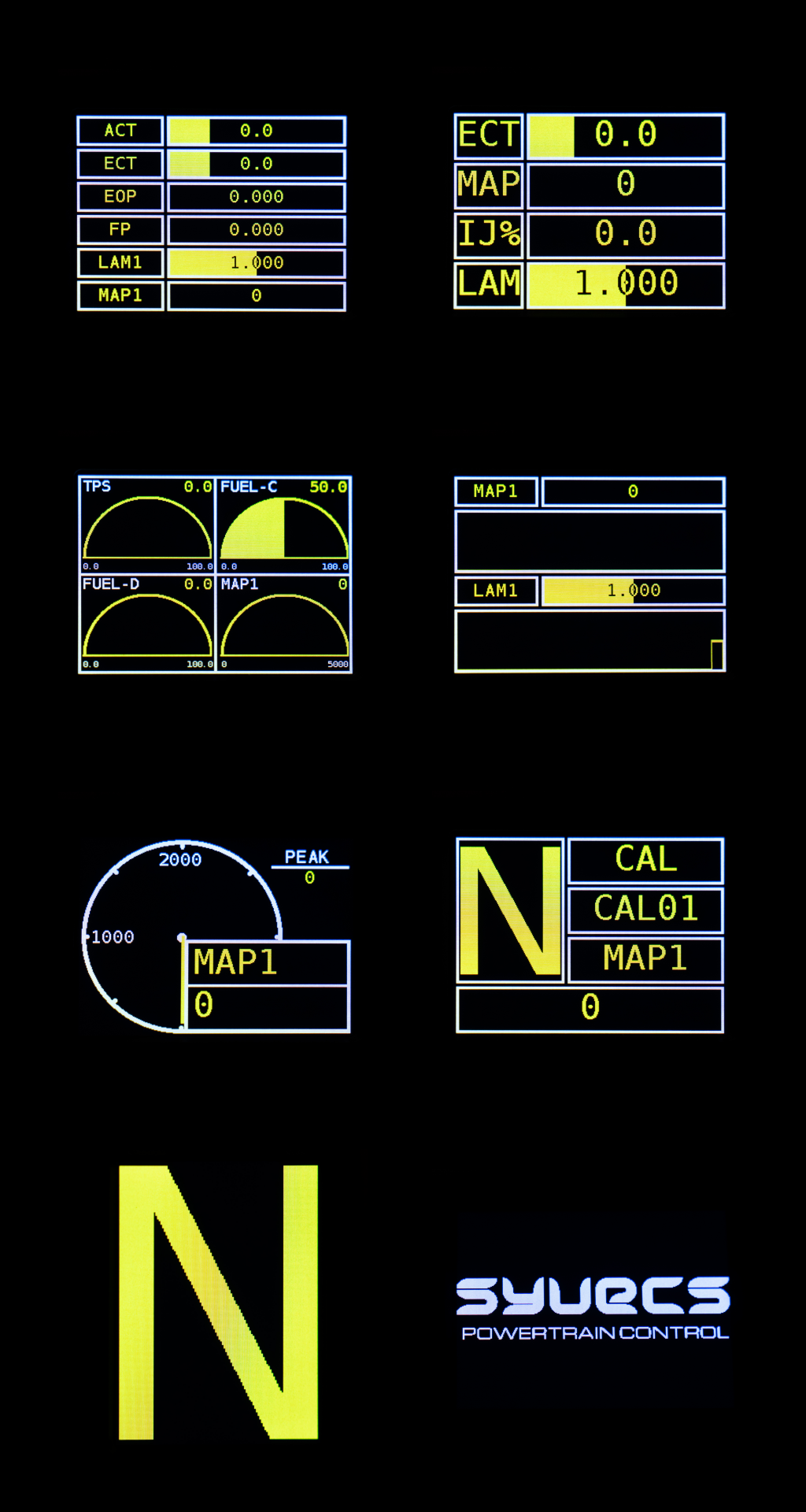
Display available OEM ECU channels directly on custom dashboards within the Syvecs Dash App.
Choose the information that matters to you and build a dashboard showing channels such as RPM, throttle position, coolant temperature, manifold pressure, lambda and vehicle speed.
Data Logging
OBD-II channels can be logged alongside the GPSBT’s internal 100 Hz GPS and 6-axis IMU data, providing a much more complete picture of vehicle performance.
Recorded data can be reviewed after a road or track session for detailed analysis.
Track Mapping & Lap Timing
Combine OEM engine information with the GPSBT’s track features to analyse vehicle behaviour around a circuit.
Engine RPM, throttle position, speed, temperatures and other available channels can be viewed alongside:
- Lap times
- Sector times
- Track position
- GPS speed
- Acceleration
- Braking
- G-force data
Camera Data Overlay
The Syvecs Dash App can also combine available OBD-II, GPS and IMU information with video recorded from your mobile device.
This allows channels such as:
RPM • Speed • Throttle Position • Manifold Pressure • Temperatures • G-Force
to be displayed directly over onboard footage.
Ideal for track-day analysis, driver coaching, vehicle development or creating data-rich motorsport videos.
Simple OEM Vehicle Telemetry
With a Syvecs GPSBT, OBD-II Adaptor and the Syvecs Dash App, a standard OEM vehicle can gain powerful live telemetry, datalogging and performance-analysis capabilities with minimal installation.
No aftermarket ECU is required and no permanent changes to the vehicle’s factory ECU calibration are necessary.
Compatibility Note: Available OBD-II channels and update rates vary depending on the vehicle manufacturer, model, ECU and diagnostic protocol.